Network security
Review firewall rules, VPN remote access and how staff, guests and devices are separated. Include supported firewalls, switches and wireless equipment in the maintenance plan.
Accounts, email, computers, the firewall and recovery belong in one conversation. FSCS helps Oshawa and Durham businesses look at that setup and decide what to change.
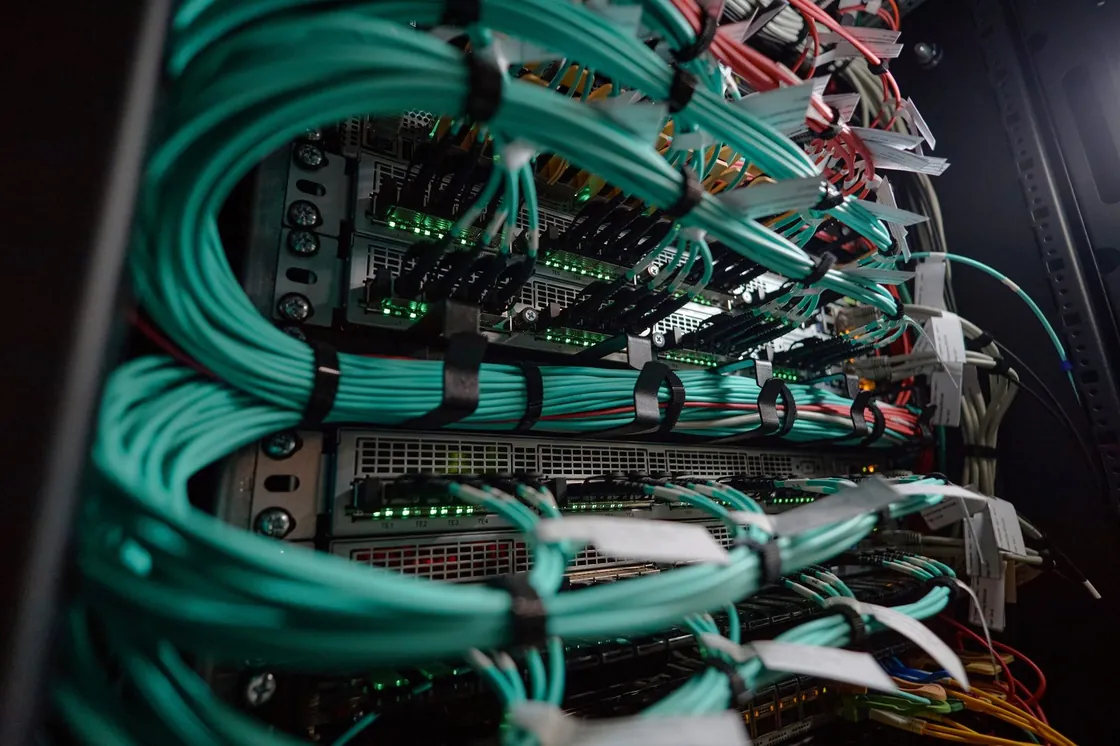
Accounts, email, computers, the office network and recovery need to work together. FSCS helps businesses review those connections and decide which improvements fit their systems and priorities.
Review firewall rules, VPN remote access and how staff, guests and devices are separated. Include supported firewalls, switches and wireless equipment in the maintenance plan.
Review multi-factor authentication, permissions and unused accounts. Keep access aligned with staff changes and the systems people need to use.
Review email protections and shared-mailbox access alongside the accounts that use them. Changes should fit the way the business communicates and shares information.
Keep endpoint protection and patching in view across business computers and laptops, including devices used away from the office.
Confirm which files, servers and Microsoft 365 data are covered, and test representative restores before the business depends on them.
Coordinate security improvements with day-to-day support, maintenance, patching and documentation so they remain part of normal IT work.
Based in Oshawa, serving Durham Region, Peterborough and Kawartha Lakes, and Cobourg, Port Hope and Northumberland. Remote support and onsite scope are agreed around the work required.
Business IT support in Oshawa · Business IT support in Whitby · Service areas
Often, yes. A small staff still uses email, shared files and remote access. Those are the same paths that cause trouble in a larger company. The work is sized to your office's systems, staff and priorities.
Yes. The useful question is whether the rules, the VPN and the separation of staff, guests and devices still match how the office works. Existing firewall and remote-access setups can be reviewed. See network and infrastructure for the equipment side.
No. Account, email, endpoint, firewall and recovery work is part of looking after the environment. Managed IT is the ongoing relationship. This page is the security part of that conversation.
We can describe what is in place: multi-factor authentication, endpoint protection, email controls, firewall and remote access, patching, and whether restores have been tested. That is factual information for the form. It is not a promise of coverage, a compliance certificate, or a guarantee.
Your business location, approximate number of users, who handles IT today and the main concern are enough to start. We can discuss the scope and next step. Do not send passwords or sensitive network details in the form.