Business networking
Switching, VLANs, addressing and topology designed for reliability and supportability.
This is the office network: switches, Wi-Fi, the firewall, and the internet connection the rest of the business sits on. FSCS designs and looks after that equipment for Durham Region businesses, including cabling when the office is changing.
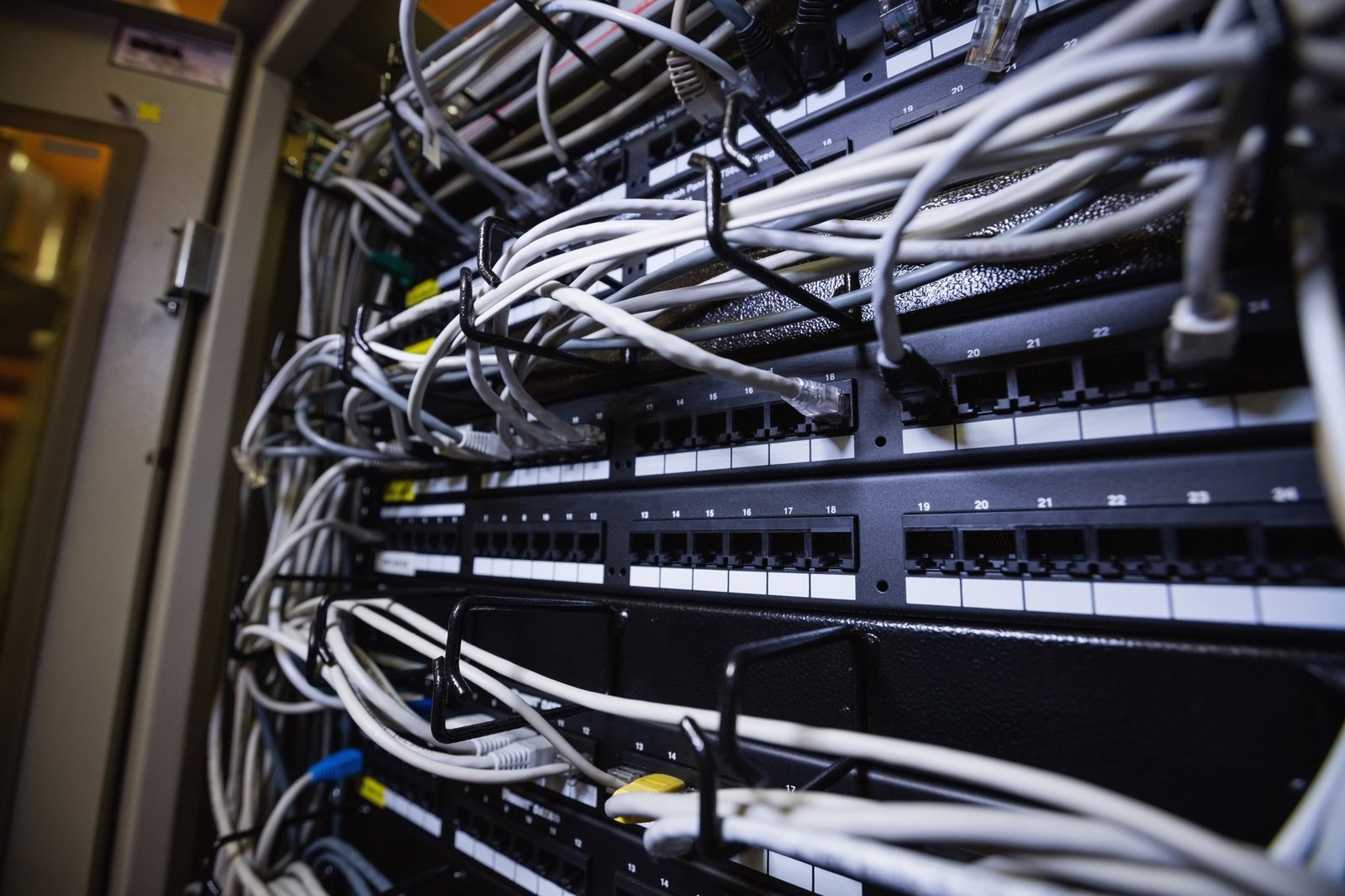
Switching, VLANs, addressing and topology designed for reliability and supportability.
Coverage, capacity and roaming planned for staff, guests, devices and the physical environment.
Security policies, VPN, segmentation and Internet edge configuration aligned with actual business risk.
Failover and redundancy options for sites where connectivity loss stops operations.
On-site servers, virtualization, and the line-of-business apps that run on them. Looked after with the rest of the network, not treated as a leftover.
Structured cabling, office changes and physical infrastructure handled as part of the broader network design.
Infrastructure becomes expensive when nobody knows what is connected, why a rule exists or which vendor owns a circuit. Documentation is part of the deliverable, not archaeological work for the next outage.
Cabling is planned on the network cabling page. Phones are discussed on business phone systems. Hosting and virtual machines are on cloud hosting and virtualization.
Yes. FSCS can design and support business Wi-Fi as part of the network rather than treating access points as isolated appliances.
Yes. Connectivity, cabling, switching, Wi-Fi, Internet, phones and workstation readiness should be planned together.
Yes. Start with where the issue occurs, which devices are affected and whether the wired connection is also unreliable. Coverage, interference, capacity, equipment and the internet connection may all need review before recommending changes.
We assess whether it is suitable, supported and correctly configured. The recommendation can distinguish equipment that can stay from items that need replacement; the project scope confirms what changes.
The new location, move date, site layout, staff and device count, current internet provider and any systems that must remain available. Internet installation, cabling, Wi-Fi, phones and workstation readiness need to be coordinated.
Tell FSCS what is changing, what is frustrating your team or what you want to improve.